Google Analytics 4
In order to track your visitors you can integrate Google Analytics with your Dokan Cloud platform.
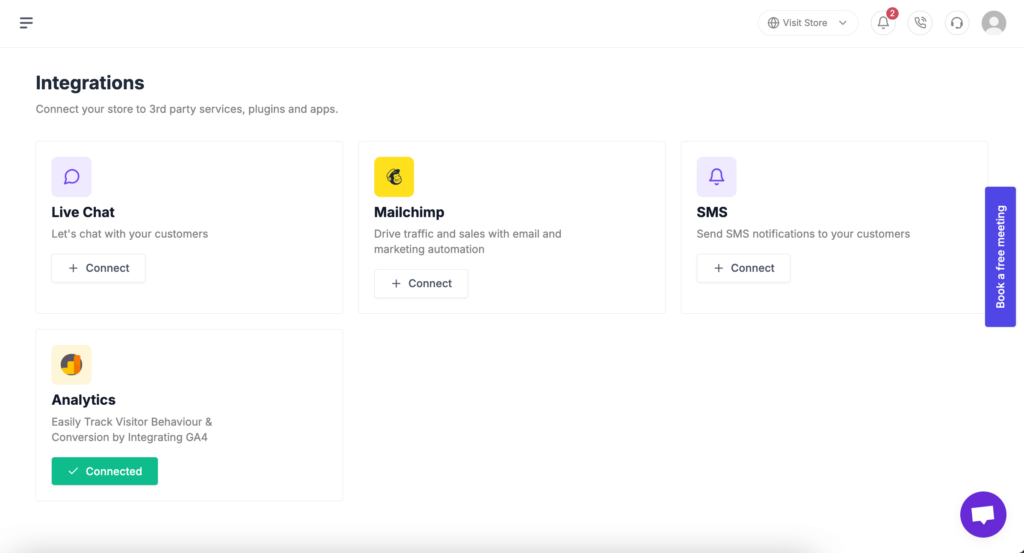
To integrate Google Analytics into your store, go to *Integrattion→ Analytics*. There click on the Connect button.

Now you need to collect your Google Analytics Measurement ID. For that-
Now you need to collect your Google Analytics Measurement ID. For that, click on the Admin option from your Google Analytics 4 account-

In Admin, under Data Collection and Modification, click Data Streams-

Now click on the Add Stream option-

Select the Web tab from the dropdown-

Add your website URL and click on the Create and Continue button-

Find the measurement ID and copy it by clicking on the Stream-

Now paste the measurement ID in the text box and Google Analytics will be connected.

Don’t forget to Enable the Analytics option.
Your analytics will be connected-
That's it.
Последнее изменение: 25/02/2026
Спасибо!