Vendor Management
You will find all the registered vendors under the *Vendor* section.

You can filter the vendors to find the vendor you are looking for. Just click on the Filter button and you will see the options to filter the vendors-

If you click on a vendor, you will be able to see the vendor profile-

You can edit the vendor details. Click on the “…” button and hit the *Edit Details* button.

Then you can edit-
Vendor General options

Vendor Subscription-

You can cancel the subscription from here. And for a free plan, you won’t see any invoices.
Vendor Address-

Vendor Documents-
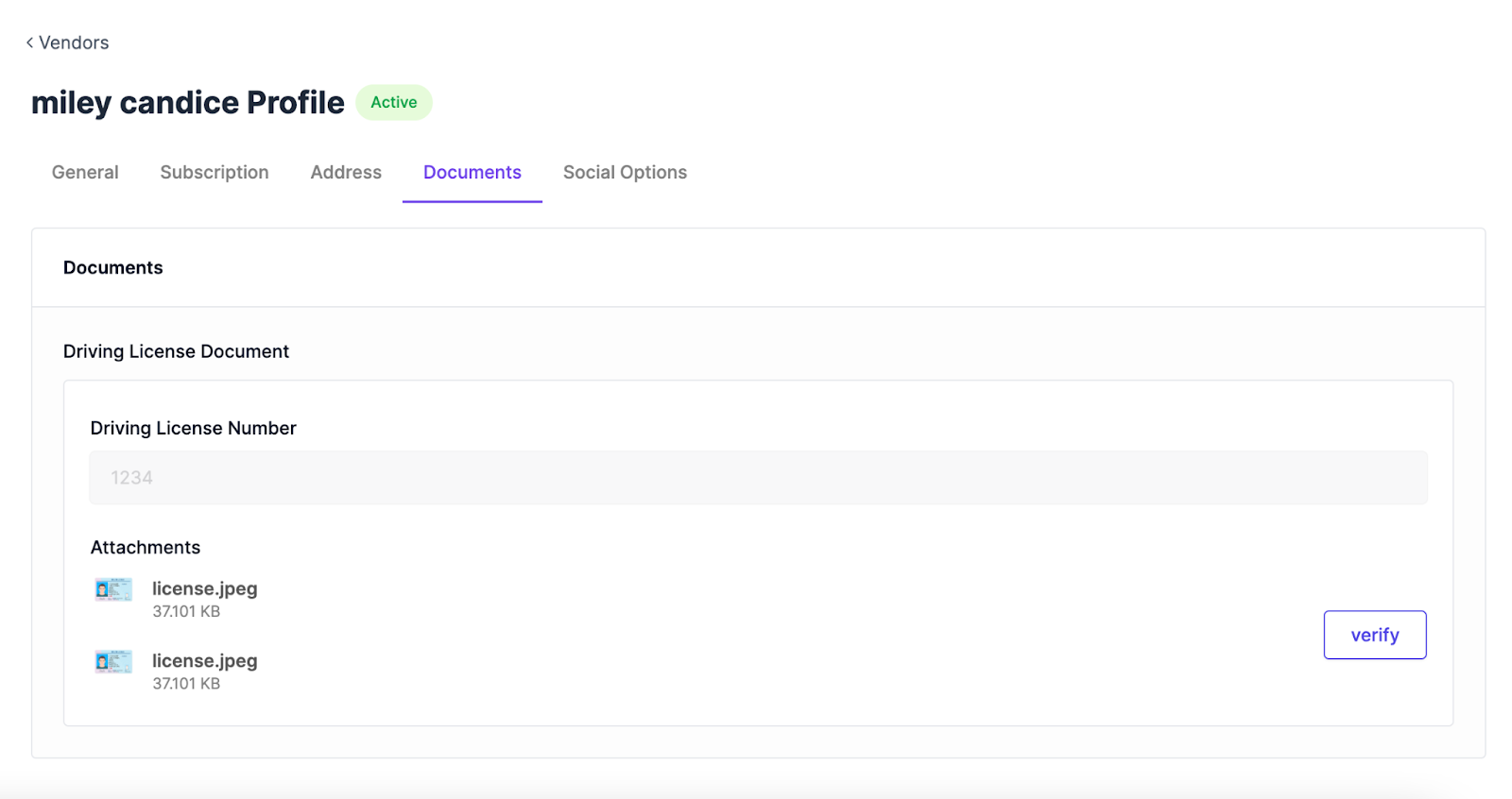
You can also verify the documents from here.
Vendor Social Options-
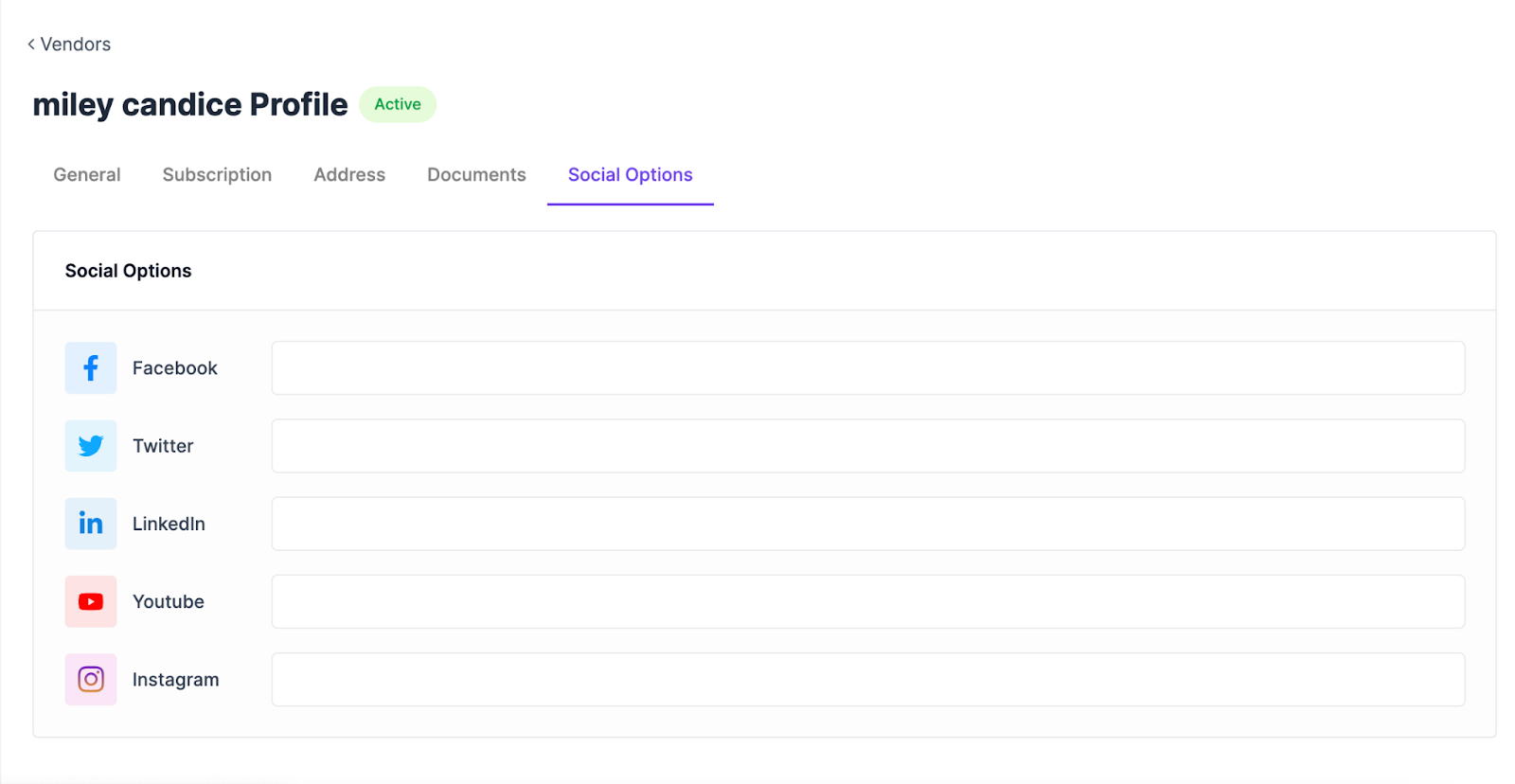
You can add vendor’s social profiles from here.
Последнее изменение: 25/02/2026
Спасибо!